
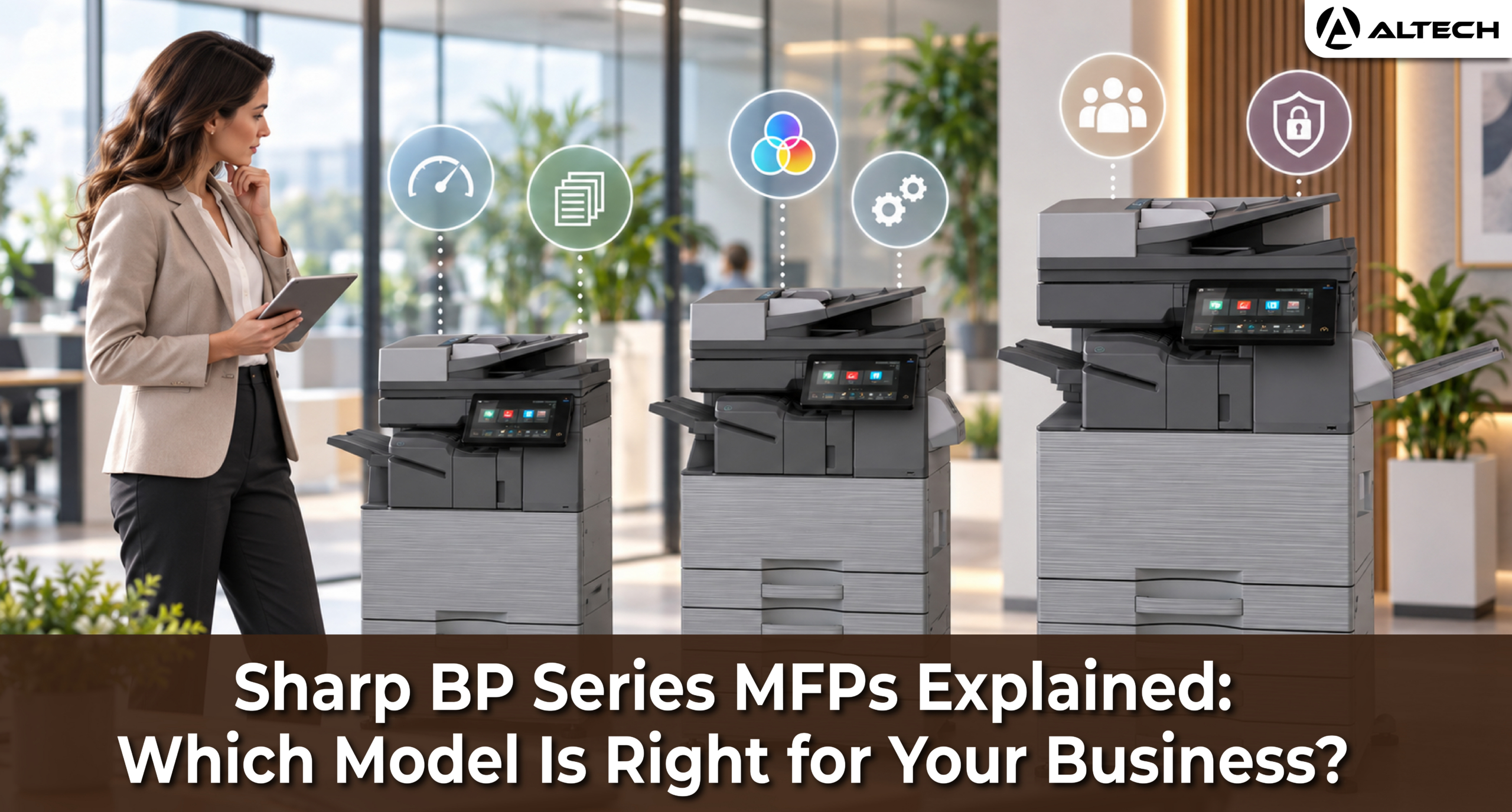
Choosing an office printer can feel confusing. The Sharp BP Series alone includes compact colour machines for small offices, faster models for busy departments, high-volume systems for central print rooms, and black-and-white machines for businesses that mainly print text.
The right choice is rarely the fastest model on the list. The best machine is the one that matches how your office actually works: how much you print, whether you need colour, how much you scan, how much space you have, and how sensitive your documents are.
This guide explains each group in the BP Series in plain terms and shows which type of business it suits best. The specifications come from Sharp’s MFP lineup brochure. It covers these models only:
- Colour: BP-22C20, BP-22C25, BP-30C25, BP-51C26, BP-51C31, BP-51C36, BP-51C45, BP-51C55, BP-61C31, BP-61C36, BP-71C45, BP-71C55, BP-71C65
- Black and white: BP-22M22, BP-22M24, BP-22M24L, BP-22M28, BP-22M31, BP-51M31, BP-51M36, BP-51M45, BP-51M55, BP-51M65, BP-71M55, BP-71M65
Some features and options vary by market, so always confirm the final configuration with an authorised Sharp dealer.
How to Read a Sharp BP Model Name
Once you know the pattern, Sharp’s model names tell you a lot. Take the BP-51C36 as an example:
- BP is the product family.
- 51 is the series. Higher numbers generally mean larger, more capable machines.
- C means colour. An M (as in BP-51M36) means monochrome, which prints in black and white only.
- 36 is the maximum A4 print speed: up to 36 pages per minute (ppm).
A few other terms appear throughout this guide:
- A3 and A4: A4 is the standard office sheet. A3 is double that size, used for plans, posters, and large spreadsheets.
- Originals per minute (OPM): how many pages the machine can scan in a minute.
- Document feeder: the tray on top that pulls in a stack of originals for scanning or copying. Sharp uses two types. A reversing single pass feeder (RSPF) handles batches of up to 100 sheets. A duplex single pass feeder (DSPF) reads both sides of a page at the same time in batches of up to 300 sheets, which is much faster.
- gsm: paper weight. Everyday office paper is 80 gsm; thick card is 250 gsm or more.
What Really Separates the Series?
The table below shows the main differences between the groups, based on Sharp’s brochure. This is the quickest way to see what you gain as you move up the range.
| Series | Max paper capacity | Paper weight | Scan speed | Touch screen | Built-in storage |
|---|---|---|---|---|---|
| BP-22M | 850 to 1,100 sheets | 55 to 200 gsm | 38 OPM | 4 inch | 16 GB |
| BP-22C | 1,850 sheets | 55 to 256 gsm | 31 OPM | 7 inch | 16 GB |
| BP-30C25 | 1,850 sheets | 55 to 256 gsm | 52 OPM | 7 inch | 128 GB SSD |
| BP-51C / BP-51M | 6,300 sheets | 52 to 300 gsm | 80 OPM | 10.1 inch | 128 GB SSD |
| BP-61C | 6,300 sheets | 52 to 300 gsm | 80 OPM | 10.1 inch | 256 GB SSD |
| BP-71C / BP-71M | 6,300 sheets | 52 to 300 gsm | 300 OPM | 10.1 inch | 256 GB SSD |
Beyond the numbers, the bigger machines also include more features as standard. For example, print release, which lets you send a job to one machine and collect it from another compatible machine on the network, is available from the BP-30C25 upwards but not on the BP-22 models. The optional Virus Detection Kit, which adds built-in antivirus protection, is available only on the BP-51, BP-61, and BP-71 series. Finishing options such as a saddle stitch finisher (for stapled booklets) and a folding unit are also limited to these larger series.
Start With Your Real Requirements
Before comparing models, look at how your office actually uses documents. Six questions will narrow the choice quickly.
- Do you need colour? Choose colour if you regularly produce presentations, marketing material, plans, or customer-facing documents. Choose black and white if most of your output is contracts, invoices, reports, and other text.
- How much do you print? Consider how many people share the machine, whether teams print at the same time, and whether long jobs such as 200-page reports are common.
- How much do you scan? A business that scans invoices or contracts in large batches may need a fast feeder even if it prints relatively little.
- How much paper should it hold? Busy departments should choose a machine that takes extra trays, so staff are not constantly refilling paper.
- Do you need finishing? Stapling, hole punching, folding, and booklet making are useful for reports and training packs, but many offices never need them.
- What security do you need? A networked MFP handles confidential information. Consider user sign-in, print release, encryption, data erasure, audit logs, and malware protection, and involve your IT team before you decide.
BP-22C Series: Compact Entry-Level Colour
The BP-22C20 (20 ppm) and BP-22C25 (25 ppm) are compact colour MFPs for small offices that need A3 colour without a large departmental machine.
They hold up to 1,850 sheets with optional trays, accept paper up to 256 gsm, and use a 100-sheet reversing feeder that scans at up to 31 OPM. They have a 7-inch touchscreen and include a handy ID card copy function that copies both sides of an ID card onto a single page.
Best suited to: small offices, start-ups, reception areas, and professional practices with moderate colour printing and limited floor space.
Which one? Choose the BP-22C25 if several people share the machine or you expect printing to grow. The BP-22C20 suits lighter use. Neither is the right choice for a busy department, heavy scanning, or offices that need print release or finishing.
BP-30C25: A Step Up in Scanning and Workflow
The BP-30C25 prints at the same 25 ppm as the BP-22C25, but it is a more capable machine for growing teams.
The key differences are faster scanning (52 OPM compared with 31 OPM), a 128 GB solid-state drive instead of 16 GB of storage, and more business features as standard, including print release, an image job log (a record of what has been printed, copied, and scanned), and secure encrypted email. It holds up to 1,850 sheets and accepts paper up to 256 gsm.
Best suited to: small and medium offices that scan regularly, teams spread across floors, and businesses that want more control over who prints what, without the size of a departmental machine.
BP-51C Series: Balanced Departmental Colour
The BP-51C range is the all-round MFP of the colour line, and for many businesses it is the most sensible choice. It is a big step up from the compact models: up to 6,300 sheets of paper, a large 10.1-inch touchscreen, support for heavier paper up to 300 gsm and larger SRA3 sheets, 1200 dpi print resolution, and a 100-sheet feeder that scans at up to 80 OPM.
| Model | A4 speed | Best for |
|---|---|---|
| BP-51C26 | 26 ppm | Small department with regular colour printing |
| BP-51C31 | 31 ppm | Medium office with shared daily use |
| BP-51C36 | 36 ppm | Busy department with frequent printing and scanning |
| BP-51C45 | 45 ppm | Larger department with heavy document traffic |
| BP-51C55 | 55 ppm | High-demand office or several teams sharing one machine |
The BP-51C55 also offers Continuous Run, which lets the machine keep printing while an empty toner cartridge is being replaced, so large jobs are not interrupted.
Best suited to: medium-sized businesses, professional services firms, schools and training centres, and offices producing customer-facing colour documents.
Which one? Choose the BP-51C26 or BP-51C31 for moderate use. Move up to the BP-51C36, BP-51C45, or BP-51C55 when several teams share the machine or long print jobs are common.
BP-61C Series: Departmental Colour With More Built In
The BP-61C31 (31 ppm) and BP-61C36 (36 ppm) share the BP-51C’s paper capacity, scanning speed, and 10.1-inch touchscreen. The difference is how much comes as standard.
According to Sharp’s brochure, the BP-61C series doubles the built-in storage to a 256 GB solid-state drive and adds a motion sensor that wakes the machine as someone approaches. Several features that are optional on the BP-51C come as standard, including OCR (which turns scanned pages into searchable PDFs or editable Word, Excel, and PowerPoint files), Adobe PostScript for accurate printing of design files, direct printing of Office files without a computer, cloud storage connection, and business card scanning.
Best suited to: medium and large businesses that do a lot of scanning and digital document work, and that want these capabilities out of the box rather than as add-ons.
BP-71C Series: High-Performance Colour
The BP-71C45, BP-71C55, and BP-71C65 are built for heavy colour workloads where many users send large jobs throughout the day.
The standout difference is scanning. Instead of a 100-sheet feeder, the BP-71C has a 300-sheet duplex single pass feeder that scans both sides of each page at once, at up to 300 OPM. That is nearly four times faster than the BP-51C and BP-61C. It also adds a dedicated business card feeder, and the BP-71C55 and BP-71C65 include Continuous Run for uninterrupted printing during toner changes.
Best suited to: large corporate departments, central print rooms, universities, government offices, and businesses that scan large volumes of documents every day.
Before you choose: these are large machines. Check floor space, power supply, finishing needs, and service support in your location.
BP-22M Series: Compact Black and White
The BP-22M22, BP-22M24, BP-22M24L, BP-22M28, and BP-22M31 are compact monochrome MFPs for offices that mainly print text: invoices, contracts, forms, delivery notes, and internal reports. They print at 22 to 31 ppm with 1200 dpi resolution and have a 4-inch touchscreen.
There are two important differences within this group:
- Paper capacity: the BP-22M28 and BP-22M31 hold up to 1,100 sheets, while the BP-22M22, BP-22M24, and BP-22M24L hold up to 850 sheets.
- Document feeder: most models have a 100-sheet feeder that scans at up to 38 OPM. The BP-22M24L has a simple document cover instead, so originals are placed on the glass one page at a time. It suits offices that copy and scan only occasionally.
Best suited to: small businesses, administrative and back-office teams, and reception areas where colour is rarely needed.
BP-51M Series: Departmental Black and White
The BP-51M31, BP-51M36, BP-51M45, BP-51M55, and BP-51M65 cover speeds from 31 to 65 ppm for steadily heavier black-and-white workloads. Like the BP-51C, they hold up to 6,300 sheets, accept paper up to 300 gsm, have a 10.1-inch touchscreen, and use a 100-sheet feeder that scans at up to 80 OPM.
Which one? The BP-51M31 and BP-51M36 suit medium offices. The BP-51M45, BP-51M55, and BP-51M65 suit busy departments where many people print at once.
Best suited to: legal and finance teams, logistics offices, schools and colleges, and any business that rarely needs colour but prints a lot.
BP-71M Series: High-Volume Black and White
The BP-71M55 and BP-71M65 are the most capable black-and-white machines in this guide, built to act as a central document hub.
Compared with the BP-51M, they add the 300-sheet duplex single pass feeder (scanning at up to 300 OPM), a 256 GB solid-state drive, a motion sensor, sharper 1200 dpi printing, and a business card feeder.
Best suited to: large administrative departments, central document-processing teams, public-sector offices, and businesses that scan large volumes daily. These machines are unnecessary for a small office, but valuable where slow scanning would hold up many people.
Quick Guide: Which BP Model Should You Choose?
| Your situation | Recommended group |
|---|---|
| Small office, everyday colour | BP-22C20 or BP-22C25 |
| Growing team needing faster scanning and print release | BP-30C25 |
| Medium business, balanced colour performance | BP-51C26 to BP-51C55 |
| Departmental colour with more features built in as standard | BP-61C31 or BP-61C36 |
| Heavy colour workload and high-volume scanning | BP-71C45 to BP-71C65 |
| Small office, mainly black-and-white documents | BP-22M series |
| Busy department, mainly black-and-white documents | BP-51M31 to BP-51M65 |
| Very high black-and-white printing and scanning | BP-71M55 or BP-71M65 |
Final Checklist Before You Order
Before choosing, confirm:
- Average and peak monthly print volume
- Rough split between colour and black-and-white pages
- Number of users and departments sharing the machine
- A3 and special paper needs, such as thick card
- Daily scanning volume and the feeder type you need
- Paper capacity and extra trays
- Finishing options such as stapling or booklets
- User sign-in, print release, and antivirus protection
- Cloud storage and document workflow needs
- Available floor space and power supply
- Installation, service, and support arrangements
- Expected growth over the next few years
The best BP Series MFP is not the fastest or most advanced model. It is the one that matches your real workload without paying for capacity you will never use. A small office may be perfectly served by the BP-22 range, while a busy department may need the paper capacity, scanning speed, and features of the BP-51, BP-61, or BP-71 Series. A careful assessment now means a printer that supports productivity and security for its whole working life.
For a free consultation contact us at https://wa.me/971569981942 or call us at +971 56 998 1942

