
How In-House Printing Can Replace Your Print Vendor for Everyday Jobs
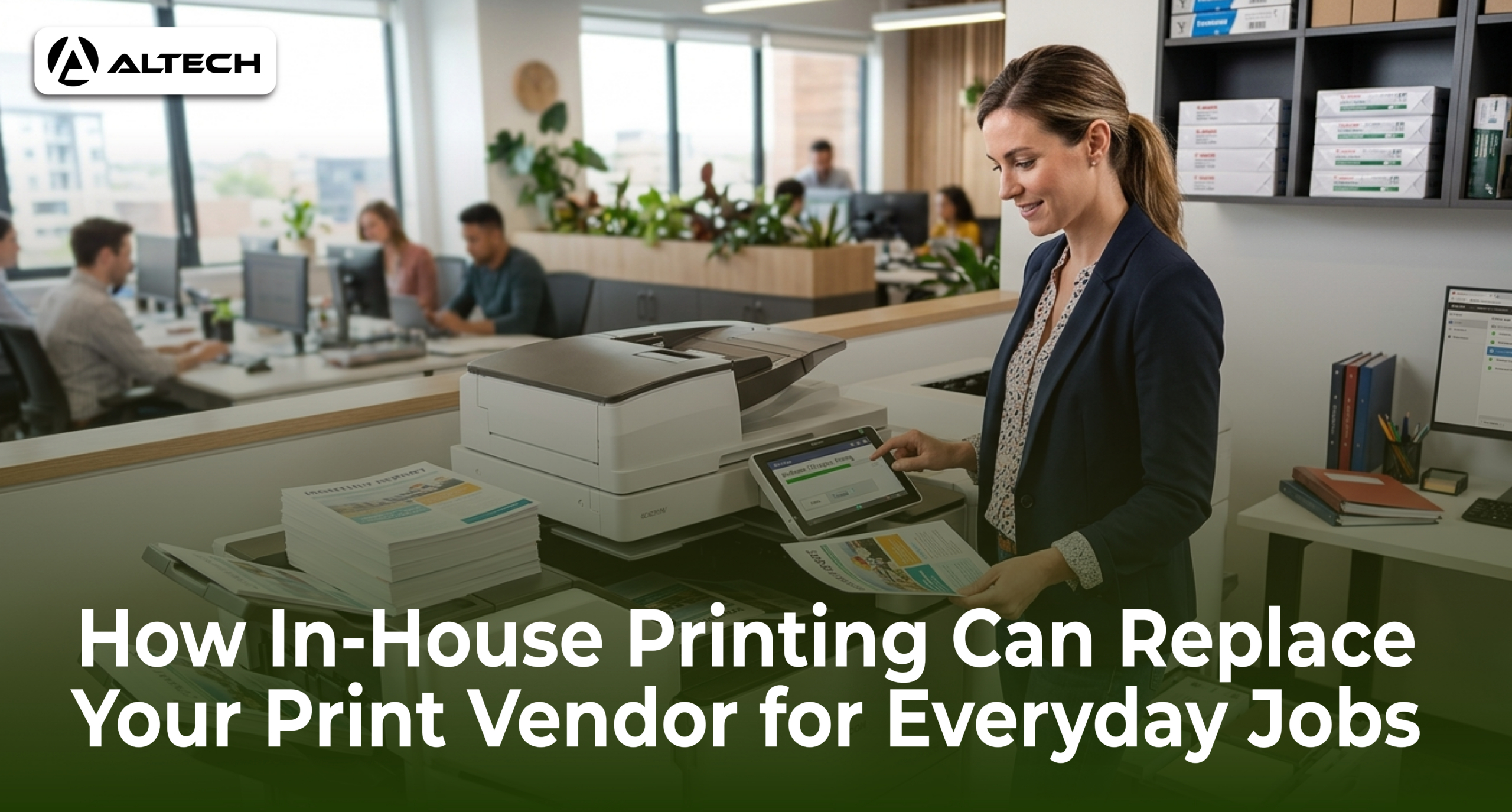
Most businesses in the UAE do not think twice about sending print work to an outside vendor. Business cards, brochures, training manuals, ID badges, proposals: the file goes out by email, a quote comes back, and a day or two later a delivery arrives. It feels simple. But when you add up the vendor’s margin, delivery charges across Dubai traffic, minimum order quantities, and the days spent waiting, the routine jobs you outsource every week are often the most expensive ones.
The equipment argument that used to justify outsourcing has weakened. Modern office printers produce quality that matches commercial output for everyday documents, and they no longer need a trained operator to run. This guide explains which jobs you can bring in-house, what you gain by doing it, and what you still should leave with a print shop.
Key Takeaways
- In-house printing removes the three biggest hidden costs of outsourcing: vendor markups, minimum order quantities, and delivery delays.
- Everyday jobs, including internal documents, marketing collateral, ID cards, and proposals, are the best candidates to bring in-house first.
- Print management features on modern devices give you cost tracking and access control that a vendor invoice never shows you.
- Printing internally keeps confidential documents inside your building, which matters for HR, legal, and financial paperwork.
- Printing only what you need, when you need it, cuts the waste created by bulk vendor orders.
Why Everyday Jobs Are the Problem, Not the Big Ones
There is a reasonable case for outsourcing a once-a-year job: an exhibition backdrop for GITEX, a hardcover annual report, a 50,000-piece mail campaign. Those need specialized presses and finishing equipment you will never own.
Everyday jobs are different. A stack of meeting handouts, a revised price list, fifty copies of an onboarding pack, none of these need a commercial press. Yet when they go to a vendor, each one carries the same overhead: a quote, a proof approval, a minimum order, a delivery window, and a markup on every page. Even vendors make this trade-off explicit. ColorPrint’s case for outsourcing invoice printing in Dubai is built on the assumption that your office cannot print reliably in-house. With the right device, that assumption no longer holds.
There is a second cost that never appears on an invoice: waiting. A vendor’s standard turnaround is measured in days, and traffic between your office and the printing press adds its own delays. If a client meeting moves up or a price changes, your printed materials are already wrong or already late. When the printer is down the hall, a correction takes minutes and the job is finished the same hour.
What You Actually Need to Print In-House
Bringing printing in-house does not mean building a print room. For most UAE offices it means one or two well-chosen devices.
A multifunction device for everyday volume. For the bulk of routine output, reports, manuals, handouts, invoices, a departmental A3 multifunction printer does the heavy lifting, combining printing, copying, and scanning in one machine. Sharp’s multifunction printer range for the Middle East covers colour and monochrome models sized for everything from a small office to a busy department, so the same machine that prints your proposals also digitizes your paperwork. You can browse A3 heavy-duty MFPs and copiers at Altech to match a model to your monthly volume.
A compact colour printer for client-facing work. Colour is where vendor bills grow fastest, and it is also where a small dedicated device pays for itself. A compact A4 colour printer like the OKI C650dn prints 35 pages per minute at 1200 dpi in a footprint small enough for a desk shelf. That means proposals, flyers, and presentation documents at a per-page cost you control, with no minimum order attached. OKI’s LED technology is known for low running costs, which is exactly the number that matters when you are replacing vendor invoices. Altech’s OKI range covers both single-function and multifunction models.
Sizing the device to your real monthly page count is the single most important decision. An underspecified printer becomes a bottleneck; an overspecified one wastes capital.
Taking Control of Costs
The strongest argument vendors have is that outsourcing makes costs visible: you get an invoice per job. The answer is that in-house costs can be even more visible, provided you manage them.
Modern Sharp and OKI devices support exactly this. Jobs can be tracked by user and department, double-sided and mono printing can be set as the default, and print jobs can be held at the device until the person who sent them authenticates and releases them. That last feature alone eliminates the piles of unclaimed printouts in output trays, pages you paid for that nobody collects.
Instead of a stack of unpredictable vendor invoices with rush fees and delivery charges, you get one consumables budget and a per-page report showing exactly who printed what. And if your team has no capacity to manage devices at all, there is a middle path: keep the printers in-house but let a partner handle supplies, monitoring, and servicing. MPS UAE’s guide to managed print services for modern Dubai offices explains how this model consolidates print costs into one predictable monthly fee, giving you in-house speed and control without adding IT workload.
The Security Case: Your Documents Never Leave the Building
Every document you outsource is read, handled, and stored by people outside your company. For a promotional flyer that hardly matters. For salary letters, legal contracts, visa paperwork, or financial statements, it is a real exposure.
In-house printing closes that gap at the root: the file never leaves your network. Sharp and OKI office devices support user authentication and PIN-release printing, so a confidential document prints only when its owner is standing at the machine, and print logs show exactly who printed what and when.
A concrete example of the security-plus-cost logic is staff ID cards. Most companies outsource them by default, then wait days each time an employee joins or loses a badge. Infome’s analysis of in-house ID card printing in the UAE shows how a desktop card printer turns that into a five-minute internal task. It is cheaper per card, immediate, and employee photos and personal data never get sent to a third party.
The Waste Problem: Print What You Need, Not What the Vendor Requires
Vendor economics force overordering. Setup costs are fixed, so vendors quote in quantities: 500 flyers, 1,000 brochures, boxes of letterhead. When your prices, staff list, or offers change, the leftover stock becomes waste you paid for.
In-house printing reverses that. You print twenty copies today and twenty more next month if you need them, always the current version, never a carton of obsolete material.
Sustainability is no longer a side note in the UAE. The National moved its entire print edition to 100 percent recycled paper with Masdar’s backing, a signal of how mainstream sustainable printing has become here. Equipment makers have followed suit: Sharp’s BP-series A3 multifunction printers are built around reduced energy consumption and lower carbon footprint. An efficient in-house device printing on demand beats bulk vendor orders on both waste and your sustainability reporting.
What to Keep With a Vendor
Honesty matters here: in-house printing replaces everyday jobs, not all jobs. Keep outsourcing:
- Very large volumes. Ten thousand catalogues belong on a commercial press, where per-unit cost drops far below any office device.
- Specialty finishing. Foil stamping, embossing, die-cutting, lamination, and bound books need dedicated equipment.
- Large format. Banners, exhibition stands, and vehicle graphics require wide-format printers most offices cannot justify.
The practical model is a split: the office handles the recurring 80 percent of jobs, and a shortlist of trusted print shops handles the specialty 20 percent. Your vendor relationships get simpler and less frequent, and each remaining order becomes one where the vendor genuinely adds value.
How to Make the Switch Without Disruption
- Collect three months of vendor invoices. Separate everyday jobs (documents, flyers, cards, badges) from specialty jobs (large format, finishing, bulk runs). The everyday column is your savings target.
- Size a device to that volume. Match your monthly page count to a device class, a Sharp A3 multifunction printer for a busy department, or a compact unit like the OKI C650dn for a small team. Current printer and copier prices are listed here.
- Set up cost controls from day one. User authentication, duplex defaults, and per-department tracking are much easier to introduce with a new device than to retrofit later.
- Move jobs gradually. Start with internal documents, then client-facing colour work, then cards and badges. Keep your print shop for the specialty column.
- Review after one quarter. Compare consumable spend plus equipment cost against the old invoices. Most offices find the everyday column alone justifies the device.
If you want help running that assessment, Altech FZCO is the authorized distributor for Sharp and OKI office printing equipment in the region. More about the company here.
Frequently Asked Questions
Is in-house print quality good enough for client-facing documents?
For standard business documents, proposals, brochures, flyers, reports, yes. Modern colour devices from Sharp and OKI produce output most clients cannot distinguish from commercial print; the OKI C650dn, for example, prints at 1200 dpi resolution. The quality gap now only appears in specialty finishing such as foil, embossing, or heavy card stocks, which remain vendor work.
What does in-house printing cost compared to a vendor in the UAE?
The comparison is device-plus-consumables against invoices-plus-hidden-costs. A vendor’s quoted price includes their margin, and the true cost adds delivery, minimum quantities, and waiting time. In-house, you pay for the device once, or lease it monthly, and then only for toner and paper on pages you actually need. For recurring jobs, the in-house figure is consistently lower.
Is it safe to print confidential documents on a shared office printer?
Yes, if the device is configured correctly: user authentication and PIN-release printing so jobs print only when the sender is standing at the device. Configured this way, an in-house device is safer than outsourcing. Confidential files such as salary letters, contracts, and visa documents never leave your network.
Do we need dedicated staff to run in-house printing?
No. Current office devices are designed for ordinary staff: print drivers handle layout, the device manages colour, and built-in software automates rules and reporting. If you prefer zero internal workload, a managed arrangement keeps the devices in-house while a partner handles supplies and maintenance.
Conclusion
The print vendor habit survives on inertia. For everyday jobs, the numbers now favor ownership: a right-sized Sharp or OKI device, sensible cost controls, and on-demand printing beat the vendor cycle of quotes, minimums, markups, and waiting, all while keeping confidential documents inside your building and cutting the waste of bulk orders. Keep print shops for the specialty work they are genuinely built for, audit three months of invoices, and let your own data make the case.

