
Office Printer Buying Guide 2026: What to Consider and What to Avoid
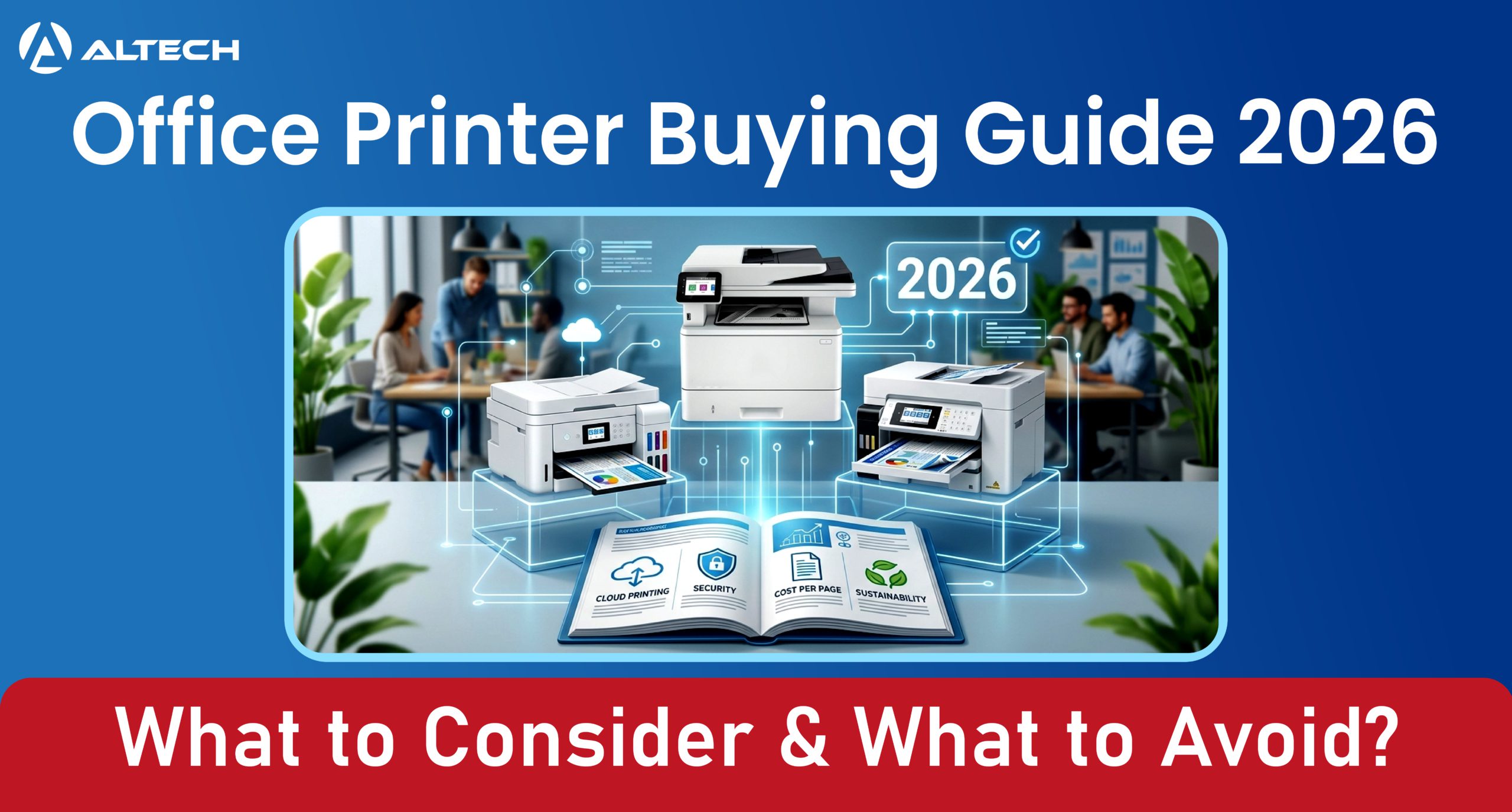
Choosing an office printer in 2026 is less about buying the “best” machine and more about matching the device to your real workflow, security needs, and running costs. The wrong choice can quietly drain time and budget through slow output, expensive supplies, or unnecessary downtime.
Why printer choice matters
An office printer is no longer just a box that spits out pages. Modern devices are networked endpoints with scanning, cloud features, authentication, firmware, and storage, which means they affect productivity, security, and IT workload.
That is why the best purchase decision starts with the business problem, not the device features. A team printing invoices has very different needs from a design studio, a legal office, or a hybrid workplace with occasional color documents.
Start with your print profile
Before comparing models, document how your office actually prints. Track monthly page volume, the ratio of color to monochrome, average job size, and whether you regularly print on envelopes, labels, letterhead, or oversized paper.
This matters because duty cycle and recommended monthly volume are not the same thing. A printer should be sized to your average workload, not the maximum burst it can survive, or you risk premature wear and avoidable service calls.
Questions to answer first
- How many pages do you print per month?
- What percentage is color?
- Do you print single pages or large batches?
- Do you need scanning, copying, and faxing?
- Do you need A3, legal, or specialty media support?
Pick the right print technology
The biggest decision is usually inkjet versus laser, with ink tank systems now filling an important middle ground. Laser remains a strong fit for high-volume offices because it is fast, dependable, and often lower cost per page for text-heavy work.
Inkjet can make sense for offices that need richer graphics or occasional photo-quality output, while ink tank models can be attractive when page yield and low consumable cost matter more than upfront price. In practice, many offices should default to laser unless they have a specific reason to choose otherwise.
Evaluate total cost
Do not buy based on sticker price alone. The real cost includes hardware, ink or toner, maintenance parts, energy use, and possible service expenses over the life of the printer.
A cheaper printer can become expensive if cartridges are low-yield or if the device needs frequent replacement parts. This is why many vendors and analysts emphasize total cost of ownership rather than purchase price alone.
Cost factors to compare
- Initial purchase price.
- Cost per page for black and color.
- Cartridge or toner yield.
- Maintenance and replacement parts.
- Energy use in active, idle, and sleep modes
Check speed and volume
Print speed matters most in shared offices where multiple people queue jobs. A modest printer can work fine for a small team, but if the device becomes a bottleneck, it can slow everyone down.
Also look at paper handling: tray capacity, automatic duplexing, automatic document feeder size, and whether the machine supports the paper sizes you actually use. Offices that switch between standard paper and specialty media should consider multiple trays or a bypass feed.
Prioritize connectivity
In 2026, connectivity is about more than Wi-Fi. Offices should look for support for mobile printing, AirPrint, Mopria, cloud workflows, and secure remote printing if hybrid work is part of the setup.
A good printer should fit into your existing devices without forcing workarounds. Touchscreens, app-based setup, and remote monitoring can reduce friction for both users and IT support.
Do not ignore security
Printer security is now a real buying criterion. Network printers can expose sensitive information if they use default passwords, unencrypted print jobs, unsecured remote access, or outdated firmware.
Look for user authentication, encrypted print release, role-based access, and regular firmware updates. If the printer stores jobs locally or has a hard drive, make sure it supports secure erase or drive protection before disposal.
Look at sustainability
Energy-efficient printers can reduce both utility costs and carbon footprint. ENERGY STAR-certified imaging equipment is designed to use less energy, including in sleep and idle states, and can save up to 35 percent versus conventional equipment.
Sustainability also includes duplex defaults, recyclable consumables, and reduced paper waste. Some vendors explicitly recommend double-sided printing and eco-conscious consumables as part of modern office sustainability planning.
What to avoid
The most common buying mistakes are predictable, but expensive.
- Avoid buying based only on upfront price, because running costs can dominate over time.
- Avoid choosing a printer that is too small for your real volume, because under-spec devices fail sooner and create downtime.
- Avoid color printing by default if most jobs are black-and-white, because color consumables are usually costlier.
- Avoid printers with weak security controls, especially if they connect to office networks or store documents locally.
- Avoid ignoring firmware updates, because printers need patching like any other networked device.
- Avoid third-party ink or toner unless you fully understand warranty and compatibility risks.
- Avoid a device with poor tray capacity or limited paper handling if your office prints mixed media.
Best-fit printer types
Different office setups tend to favor different printer classes.
| Office need | Better fit | Why |
| High-volume text printing | Monochrome laser | Fast, reliable, low running cost |
| Mixed text and color documents | Color laser MFP | Balanced speed, quality, and efficiency |
| Low-volume office with graphics | Inkjet or ink tank | Better color output, useful for light duty |
| Wide-format or specialty media | Business inkjet | Better support for larger sheets and mixed media |
| Hybrid or shared office | Networked MFP with secure print | Scanning, cloud access, and user authentication |
A practical buying checklist
Use this checklist before you buy:
- Estimate monthly page volume and color ratio.
- Decide whether you need print-only or an all-in-one MFP.
- Compare cost per page, not just purchase price.
- Confirm paper sizes, tray count, duplexing, and ADF capacity.
- Verify connectivity: Wi-Fi, mobile printing, and cloud support.
- Check security: authentication, encryption, and firmware updates.
- Prefer ENERGY STAR-certified models for lower energy use.
- Review consumable availability and replacement part costs.
Final recommendation
The best office printer in 2026 is the one that fits your workload, not the one with the longest feature list. For most offices, that means prioritizing volume fit, cost per page, security, and reliable connectivity before considering extras like voice control or niche print modes.
If your office prints heavily, a color or monochrome laser MFP is usually the safest default. If your team prints less often but needs strong color output, an ink tank or business inkjet may be a better value

